
Screens
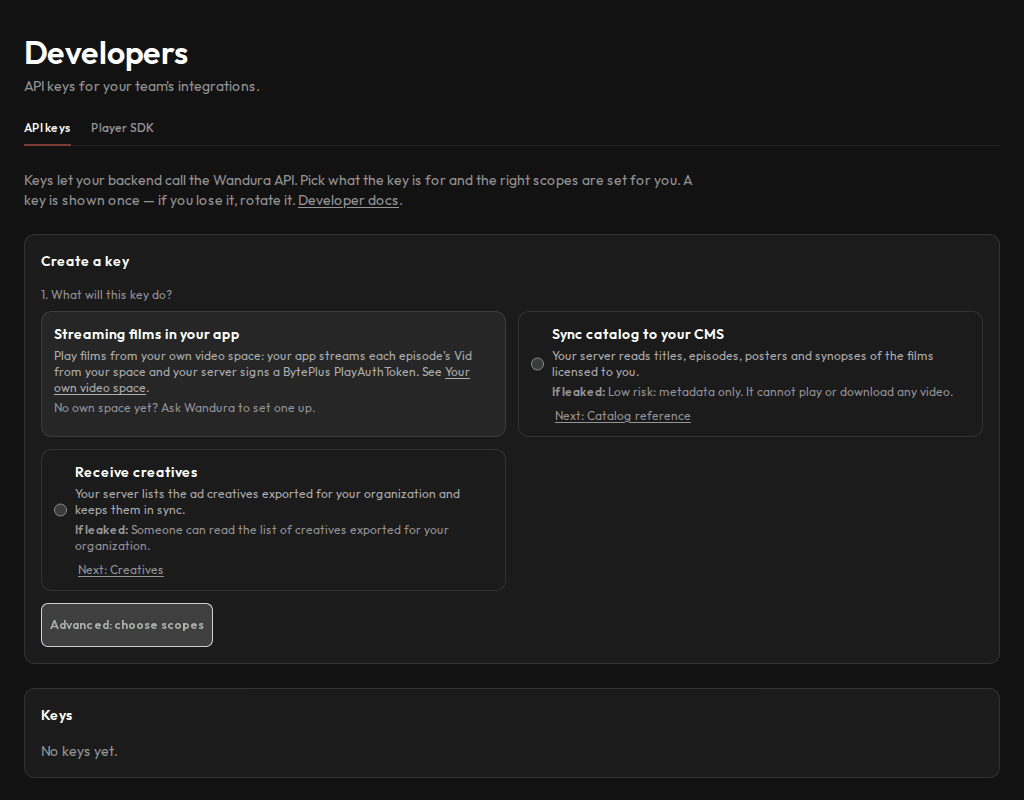
Create and rotate API keys for your integrations and check API usage.
Who sees it
Admins and developers. It is the first screen developers see after signing in.
What you can do here
- Create a key by choosing what it is for; the right scopes are set for you.
- Rotate or revoke a key.
- Check your organisation's API usage.
- Follow the Player SDK guide to play licensed films inside your own app.
Main steps
- Select Developers in the sidebar.
- Choose what the key will do and create it. The key is shown once, so store it safely.
- Rotate the key if you lose it.
Learn more
Updated 10 Oct 2026 · Change history (1)