
Screens
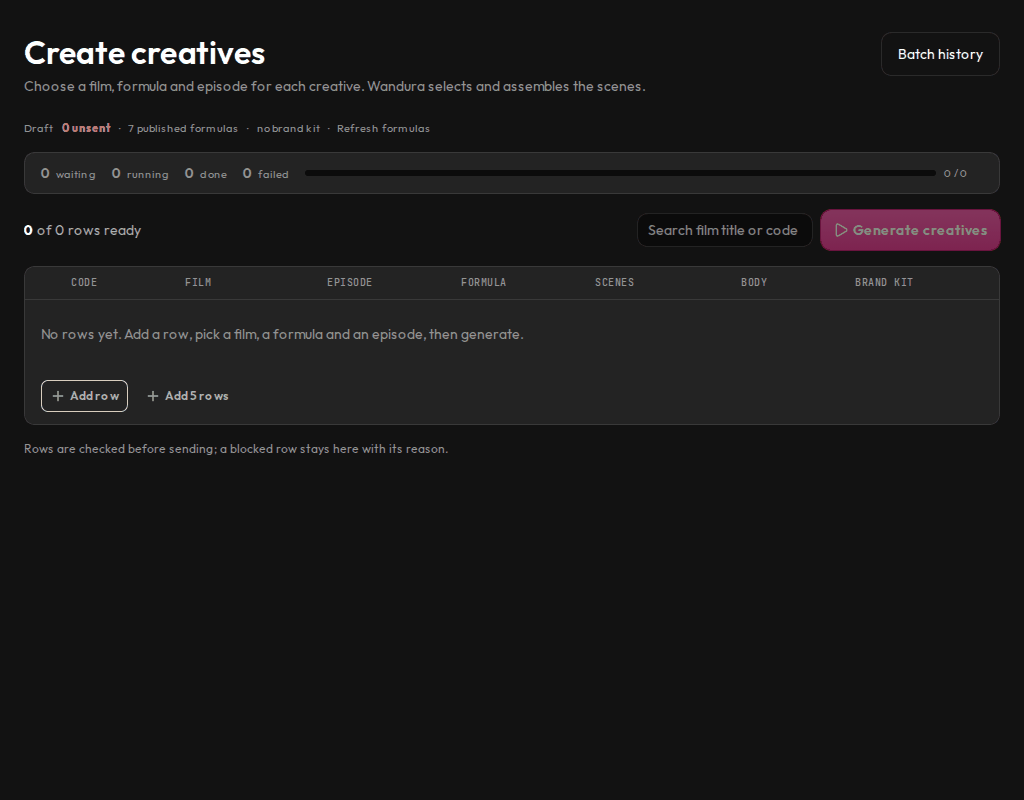
Make many creatives at once: pick a film, episodes and a formula for each row.
Who sees it
Admins and marketers.
What you can do here
- Add rows, one per creative, and pick a film, episodes, a formula and a brand kit for each.
- See which rows are ready and why a row is blocked before you send.
- Send all ready rows as one batch with Generate creatives.
- Watch the batch progress at the top, or open Batch history.
Main steps
- Select Create in the sidebar.
- Select Add row and fill in the row.
- Select Generate creatives when the rows are ready.
- Follow the batch on Batches.
Learn more
Updated 10 Oct 2026 · Change history (1)