
Screens
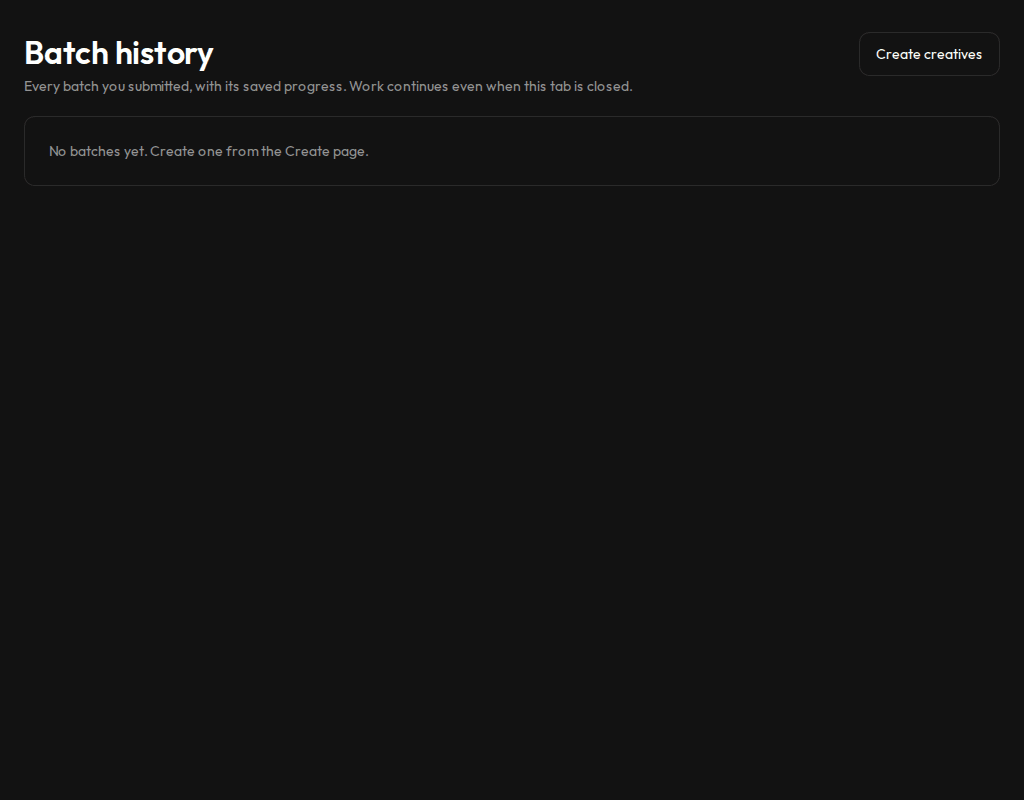
Track every batch sent from Create and see which ones are still running.
Who sees it
Admins and marketers.
What you can do here
- See every batch with its state and how many rows are ready, failed or pending.
- Open a batch to follow it row by row.
- Pause, resume or cancel a batch.
- Retry a failed row or read why it failed.
Main steps
- Select Batches in the sidebar.
- Open a batch.
- Retry or diagnose any failed rows.
Learn more
Updated 10 Oct 2026 · Change history (1)