
Screens
See what needs your attention next and find every screen you can use.
Who sees it
Admins and marketers. It is the first screen they see after signing in. Partners start on Films and developers start on Developers, because those roles do not have Home.
What you can do here
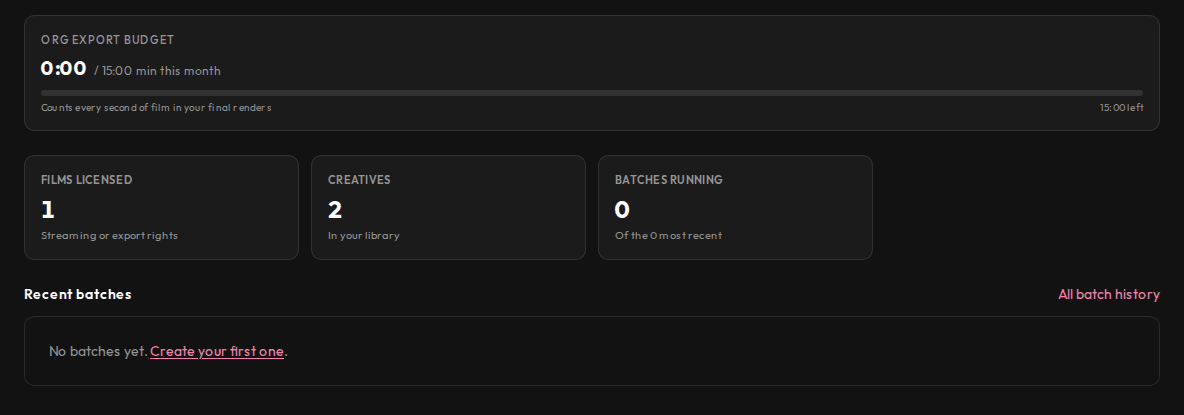
- See how many render minutes your organisation has used this month and how many are left.
- See at a glance how many films are licensed to you, how many creatives you have, and how many batches are still running. Admins also see how many creatives are waiting for review.
- Open the five most recent batches.
- Jump to the matching screen by selecting any number.
Main steps
- Sign in. Home opens on its own.
- Check the render minutes bar before you start a large batch.
- Select a number, such as Creatives, to open that list.
- Select Refresh to read the numbers again. A number that could not be read shows as a dash, never as zero.
Learn more
Updated 10 Oct 2026 · Change history (1)