
Screens
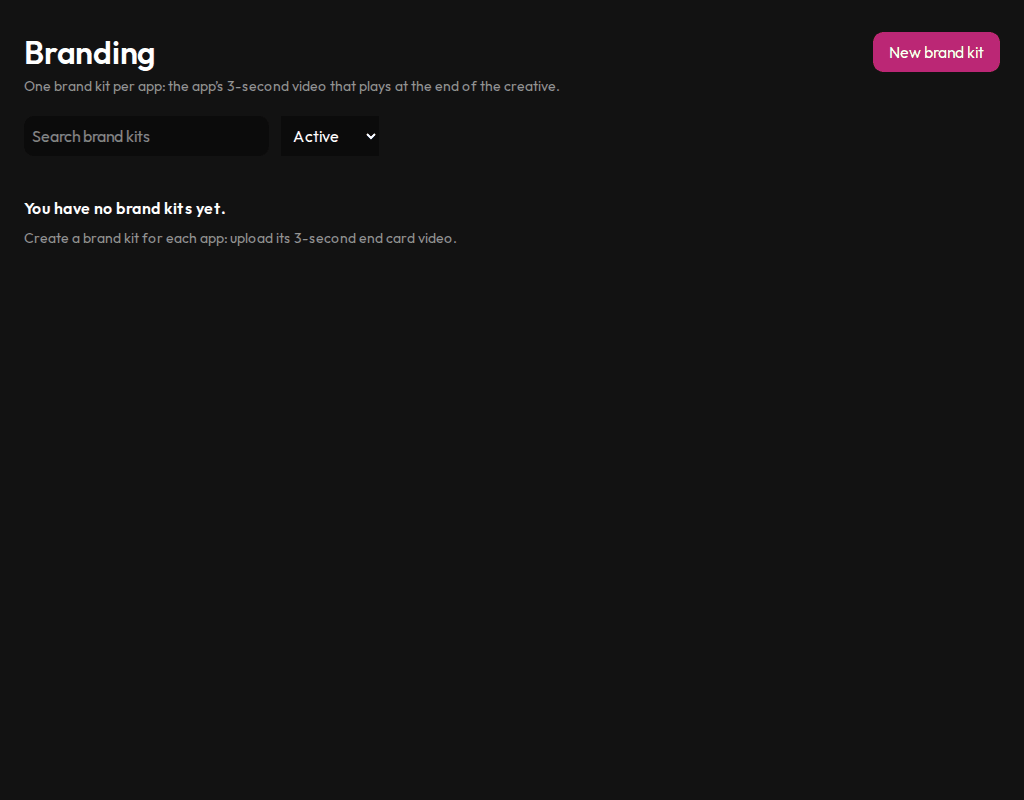
Manage the brand kits that add your app's end card to creatives.
Who sees it
Admins and marketers.
What you can do here
- Create a brand kit by uploading a short video of your app.
- Change a kit's end card or replace its video.
- Search kits and filter active or archived ones.
Main steps
- Select Branding in the sidebar.
- Select New brand kit and upload the video.
- Pick the kit when you build a creative in Create or the editor.
Learn more
Updated 10 Oct 2026 · Change history (1)